
This is a BIOS setup interface of a computer
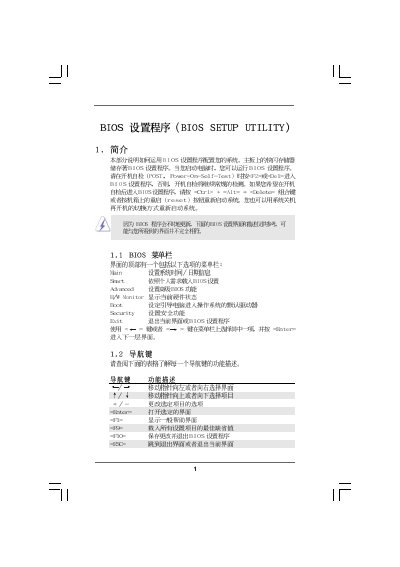
This manual provides a detailed walkthrough of the BIOS Setup Utility for the ASRock M3A790GXH motherboard. It covers the main menu, smart hardware monitor, boot configuration, security settings, and advanced options such as CPU and memory configuration.
Users can navigate the interface with keyboard shortcuts, adjust system time, configure CPU frequencies, enable or disable hardware features, and manage passwords. The document also includes instructions for loading defaults, saving changes, and using the ASRock Instant Flash utility for BIOS updates.
| BIOS Version | v02.54 |
|---|---|
| Processor Speed | 2500MHz |
| Total Memory | 1024 MB (with 128 MB shared) |
| CPU Frequency (max) | 6300 MHz |
| L1 Cache Size | 512 KB |
Press F9 to load the default BIOS settings.
Enter the Security menu, select Change Supervisor Password, and follow the prompts.
Press F10 to save changes and exit the BIOS setup.
Select the BIOS Update Utility option named "ASRock Instant Flash" in the Advanced menu.