
This is a BIOS setup guide for a motherboard.
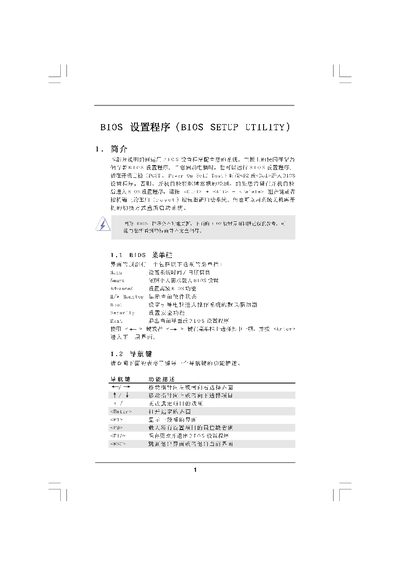
The document provides an overview of the BIOS Setup Utility interface, describing the Main Screen, Smart Screen, and Advanced Screen. It explains how to navigate menus, change settings, and use features such as Instant Flash for BIOS updates.\n\nAdditional sections cover CPU and memory configuration, security options, and exit procedures. Instructions for loading default settings, saving changes, and handling passwords are included, helping users safely adjust system parameters. This manual is written in Chinese.
| BIOS Version | 3A770DEPl.00 |
|---|---|
| Processor Type | AMD Phenom(tm) 11 X3 720 |
| Processor Speed | 2800Hz |
| L2 Cache Size | 384KB |
| L3 Cache Size | 1536KB |
| Total Memory | 2048NB |
Press the F9 key to load the default BIOS configuration.