
This document is about the BIOS setup utility of the ASRock K10N78M Pro motherboard. It provides information about system time, processor type, processor speed, cache size, memory size, storage mode, and power saving settings.
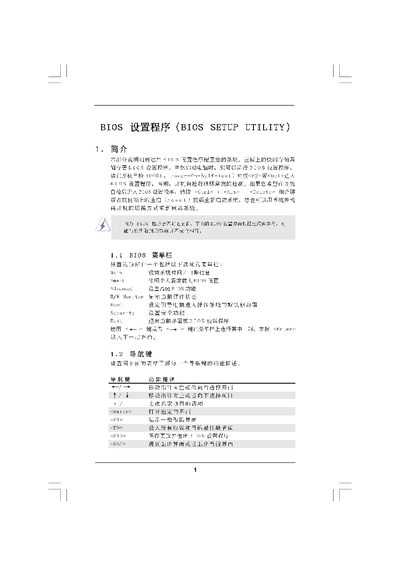
This manual explains how to navigate the BIOS Setup Utility provided by American Megatrends. It describes each screen—Main, Smart, Advanced—and the functions available such as boot order, hardware monitoring, and security settings.
The guide also details how to adjust CPU, memory, and overclock settings, load default configurations, and properly save or discard changes before exiting the BIOS. This manual is written in Chinese.
Press the F9 key to load BIOS defaults.
Select "Discard Changes and Exit" to leave without saving.