
This is a manual for a desktop motherboard. It provides information on the product's introduction, specifications, performance, and usage instructions.
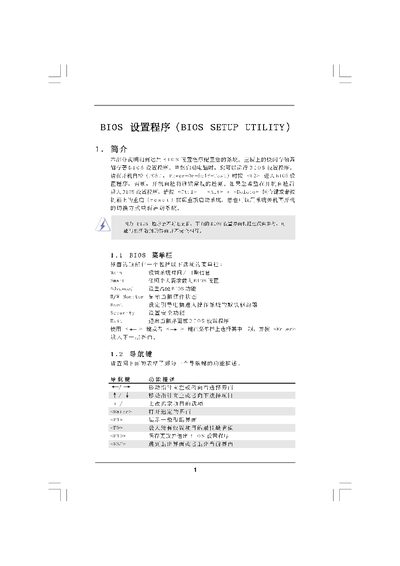
The BIOS Setup Utility manual explains the layout of the BIOS screens, how to navigate menus, and the purpose of each setting. It includes sections for the main screen, smart screen, advanced options, CPU configuration, overclocking, security, and exit procedures.
The document provides step‑by‑step instructions for loading defaults, saving changes, and adjusting hardware parameters such as processor frequency, memory timings, and power‑saving features. It also notes key shortcuts (F10, F9, ESC) and the POST key (F2) to enter the BIOS. This manual is written in Chinese.
| Processor Speed | 2400 MHz |
|---|---|
| Memory Configuration | Single‑Channel DDR |
Press the F10 key (or select the Load BIOS Defaults option) to load the factory default configuration.
Choose Save Changes and Exit (or press F10) to store the new settings and leave the BIOS utility.
Enter the Advanced Screen, select CPU Configuration, and modify the CPU Frequency (MHz) or multiplier values.