
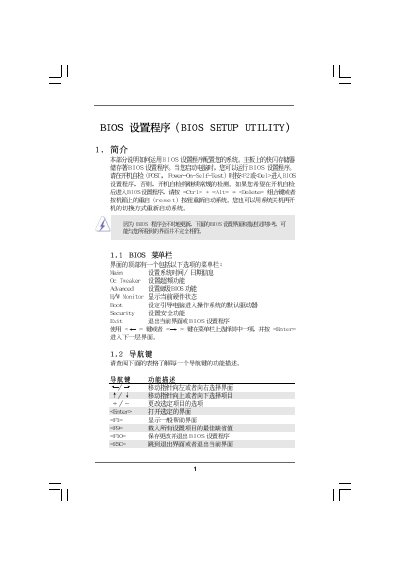
This manual covers the BIOS Setup Utility (v02.54) for the ASRock A785GM-LE/128M motherboard. It provides step‑by‑step navigation of the main menus such as OC Tweaker, Hardware Monitor, Boot Settings, and Security, allowing users to configure system time, CPU frequency, memory timing, and power‑saving features.
The document also includes warnings about overclocking risks, instructions for loading default settings, changing passwords, and monitoring hardware health parameters like CPU temperature and fan speeds. It is intended for end users who need to adjust BIOS options or troubleshoot boot issues.
| BIOS Version | v02.54 |
|---|---|
| Processor Type | AMD Phenom(tm) 9350e Quad-Core Processor |
| Processor Speed | 2500 MHz |
| Total Memory | 1024 MB with 128 MB shared memory |
| Memory Speed | 400 MHz (DDR2‑800) |
Press F9 to load the default BIOS configuration.
Enter the Security menu, select Change Supervisor Password, and follow the prompts.
No, the CPU Quiet Fan is disabled by default.