
This document is an instruction manual for BIOS setup utility, which introduces the main functions, hardware monitoring, boot settings, security settings, etc.
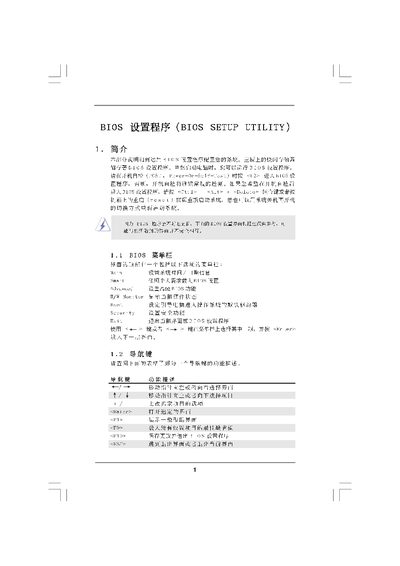
This manual explains the BIOS Setup Utility provided by American Megatrends. It walks the user through each screen—Main, Smart, Advanced, CPU Configuration, Overclock, Memory Clock, Security and Exit—showing how to view system information, change settings, and save or discard changes.
The guide includes step‑by‑step instructions for loading default configurations, adjusting CPU multipliers, voltage, memory timings, and using security features such as passwords. It also details the key shortcuts (F9, F10, ESC, etc.) for navigating and applying changes. This manual is written in Chinese.
| Memory Clock Options | DDR2 800 |
|---|
Press F9 (Load Defaults) to load the default BIOS configuration.
Press F10 (Save and Exit) to save the current configuration and leave the BIOS.