
This document provides instructions on how to use and set up the Brother CoolLaser Printer HLL-222666000000CCNNN series.
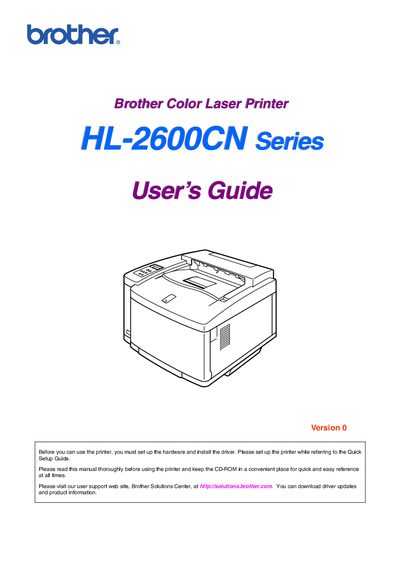
This guide covers the Brother HL-2600CN color laser printer, describing its features, hardware setup, driver installation, and basic operation. It includes detailed information on the control panel, paper handling, and software options for Windows and Macintosh systems.
Safety warnings, cautions, and maintenance procedures are highlighted throughout the manual, emphasizing proper handling of the heavy printer, hot fusing unit, and consumables. Contact information for technical support and service centers is also provided.
| Weight | 39 kg (86 lbs) |
|---|---|
| Printer type | Color Laser Printer |
The printer weighs about 39 kg (86 lb).
The guide warns that the fusing unit becomes extremely hot during operation and should be allowed to cool before handling.