
This document describes how to handle fi-5120C / fi-5220C Duplex Color and basic operation methods
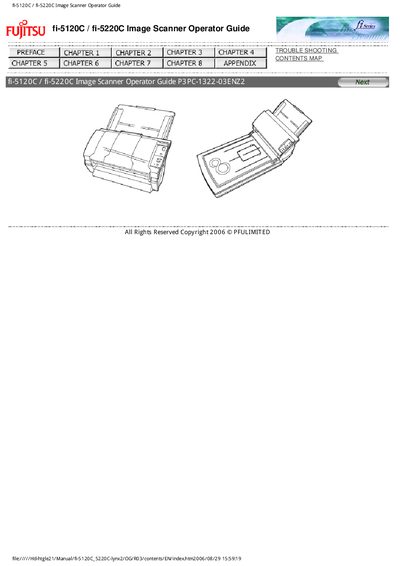
This guide explains how to install, configure, and operate the Fujitsu fi-5120C and fi-5220C duplex color image scanners. It covers basic functions, driver software usage, and the steps needed to start scanning or send images to applications.
The manual also includes safety precautions, regulatory compliance information, troubleshooting tips, and an appendix describing how to assign actions to the Scan and Send buttons on various Windows versions.
The manual uses WARNING and CAUTION symbols to alert operators to actions that could cause severe injury, death, or safety hazards.
Select the Scan button event, then click "Start this program" under Actions and choose the desired application.
Right‑click the FUJITSU Scanner Control Center in the task tray, choose Option, then select the event for the Scan button and set the program path.