
This document is the operator's guide for the fi-6140 / fi-6240 Duplex Color Image Scanner, providing instructions on how to use the scanner and basic operation methods.
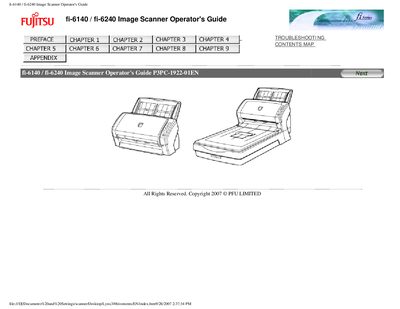
This guide explains how to install, configure, and safely operate the Fujitsu fi-6140 and fi-6240 duplex color image scanners. It includes safety precautions, regulatory compliance information, and detailed descriptions of the scanner's functions and button operations.
The manual also covers troubleshooting steps, button‑press actions such as the Scan and Send‑to functions, and environmental considerations like ENERGY STAR compliance and mercury handling.
| Maximum AC cable length | 2 meters (6.6 feet) or less |
|---|---|
| Energy Star compliance | Meets ENERGY STAR® guidelines for energy efficiency |
Do not put the substance contained in the lamp in your mouth.
The AC cable must be 2 meters (6.6 feet) or less.
Yes, it meets the ENERGY STAR® guidelines for energy efficiency.