
This document is the fi-4120C2 Scanner Operator's Guide, which introduces the basic operations of the scanner, methods for scanning various types of documents, daily maintenance, replacement of consumables, troubleshooting and other contents.
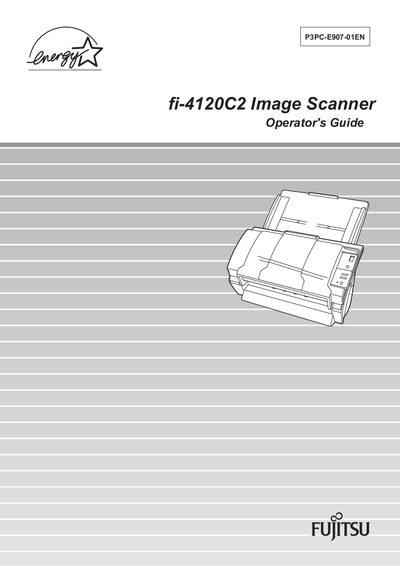
This Operator's Guide explains how to install, configure, and use the Fujitsu fi-4120C2 duplex color image scanner. It covers regulatory information, safety precautions, and basic scanner operation steps such as turning the scanner on, loading documents, and using the scanner driver.
The manual also details daily care, consumable replacement, troubleshooting procedures, ADF and paper specifications, and scanner specifications. Appendices include additional notes and a glossary of terms.
| Maximum AC cable length | 2 meters (6.6 feet) |
|---|
Refer to section 1.1 "Turning the Scanner ON" for the procedure to power up the scanner.
Cleaning instructions are provided in section 3.2 "Cleaning the ADF".
Section 5.1 "Removing Jammed Document" explains how to clear a jammed document.