
This is an operator's guide for the fi-5110C Image Scanner, which describes the various parts and basic operations of the scanner, as well as methods for scanning various types of documents and daily maintenance and replacement of consumables.
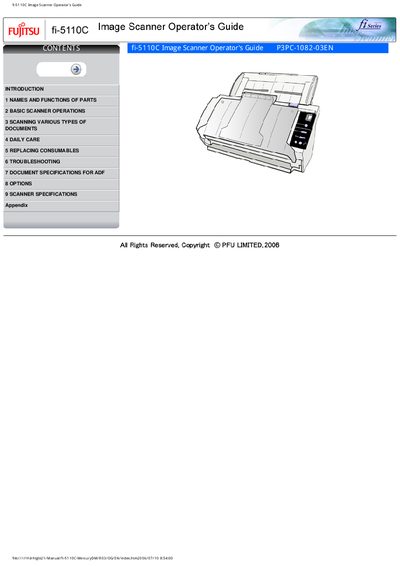
This Operator's Guide explains how to install, use, and maintain the Fujitsu fi-5110C duplex color image scanner. It covers safety precautions, parts identification, basic scanning procedures, and how to configure the Scan and Send‑to buttons.
The manual is organized into sections on names and functions of parts, basic scanner operations, scanning various document types, daily care, replacing consumables, troubleshooting, ADF document specifications, optional features, scanner specifications, and appendices with button‑link setup and a glossary.
Read the manual carefully before using the product.
The lamp contains mercury and must be recycled or disposed of according to regulations.
Link the application software to the [ Scan ] button (and optionally the [ Send to ] button) in the scanner settings.