
This document is an operator's guide for the fi-5650C duplex color scanner product. It provides information on the names, functions, basic operation, scanning methods for various types of documents, daily care, replacing consumables, troubleshooting, online setup, document specifications, options, and scanner specifications.
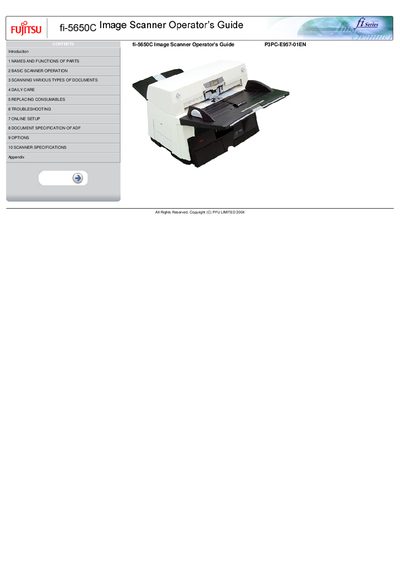
This guide introduces the Fujitsu fi-5650C scanner, lists the names and functions of its parts, and explains basic operation steps such as turning the unit on, loading documents into the ADF and scanning. It also covers scanning various document types, daily care, consumable replacement, and troubleshooting common issues.
Additional sections describe online setup options, detailed ADF specifications, optional accessories, and full scanner specifications. Appendices include button functions, a glossary, and other reference information.
| Maximum Resolution | 600 dpi |
|---|---|
| Simplex Scanning Speed | 55 pages per minute (A4, 200/300 dpi) |
| Duplex Scanning Speed | 110 pages per minute (A4, 200/300 dpi) |
The scanner supports a maximum resolution of 600 dpi.
It can scan up to 55 pages per minute in simplex mode at 200/300 dpi.
In duplex mode the scanner can process 110 pages per minute at 200/300 dpi.