
The ScanSnap S500 is a color image scanner product that allows you to turn images on paper into PDFs, improving office productivity and solving scanning problems. It features easy scanning operation, high-speed double-sided color document scanning, small desktop footprint, and convenient business card filing.
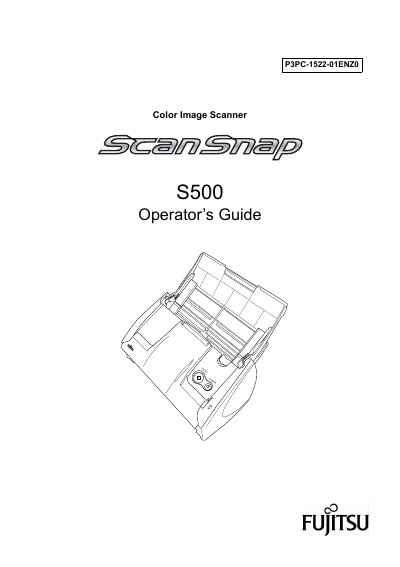
This guide introduces the ScanSnap S500 color image scanner, describing its features such as automatic document type recognition, OCR for business cards, and double‑sided scanning. It explains how to connect the scanner to a PC, install the supplied software, and adjust scan settings.
The manual also covers routine care, cleaning procedures, consumable replacement, troubleshooting tips, and regulatory information, including FCC and Canadian compliance. Appendices provide software updates, uninstallation steps, and installation specifications.
| Scanning speed | about 18 sheets/minute |
|---|---|
| Supported document size | A4 or Letter |
| Maximum AC cable length | 3 meters (10 feet) or less |
| FCC classification | Class B digital device |
| Canadian compliance | Class B digital apparatus (ICES‑003) |
The scanner can process about 18 sheets per minute in normal color mode.
Yes, it supports double‑sided scanning of A4 or Letter sized documents.
The AC cable must be 3 meters (10 feet) or shorter.