
This is the user manual for PFU LIMITED's fi-6130 / fi-6230 Duplex Color Image Scanner, which introduces how to use the scanner and basic operation methods
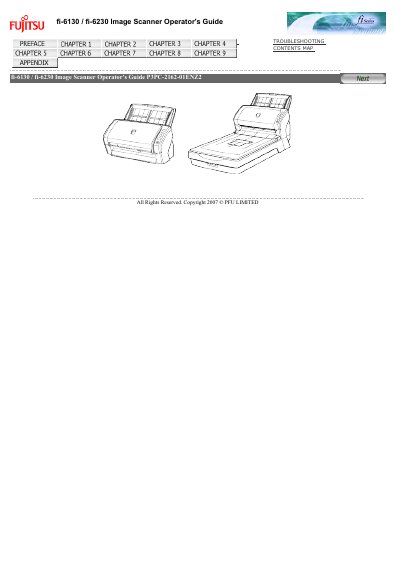
This operator's guide explains how to handle and operate the Fujitsu fi-6130 / fi-6230 duplex color image scanner. It covers safety precautions, regulatory information, and proper installation steps before first use.
The manual also details scanner specifications, consumable replacement cycles, and how to configure scan and send‑to functions on a PC. Troubleshooting tips and warranty notices are included to help maintain reliable performance.
| Scanner type | fi-6130 / fi-6230 |
|---|---|
| ADF (Automatic Document Feeder) | ADF + Flatbed |
| Color CCD sensors | 2 (Front, Back) for fi-6130, 3 (Front, Back, Flatbed) for fi-6230 |
| Light source | White cold cathode fluorescent lamp (x2 front/back, x3 front/back/flatbed) |
| Scanning area (minimum) | A8 (Portrait) |
| Maximum ADF size | A4/Letter or Legal (Long page 216 × 864 mm) |
| Paper weight range | 41 g/m² to 210 g/m² (11 lb to 56 lb) |
| Scanning speed (monochrome, simplex) | 40 sheets/min |
| Scanning speed (monochrome, duplex) | 80 sides/min |
| Optical resolution | 600 dpi |
| Interface | USB 2.0 |
Both the brake roller (P/N PA03540-0001) and the pick roller (P/N PA03540-0002) should be replaced after 200,000 sheets or one year of use, whichever comes first.
The scanner can process 80 sides per minute in monochrome duplex mode.