
This manual describes how to use the Canon ScanSnap S300M Color Image Scanner. The ScanSnap S300M can scan both single-sided and double-sided color documents, and it can automatically recognize color and black-and-white documents to optimize the scanned image file size. The ScanSnap S300M can also automatically remove blank pages from the document to further reduce the file size.
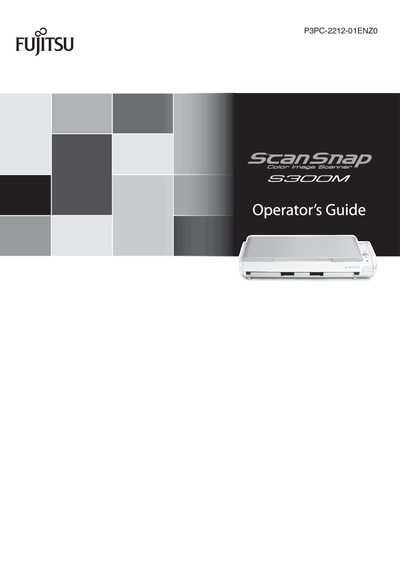
The ScanSnap S300M is a compact, lightweight color image scanner that can handle double‑sided A4 or letter‑size documents in both color and black‑and‑white. It offers fast scanning speeds of about 8 sheets per minute when powered by a power‑cable and 4 sheets per minute via USB, and includes automatic features such as document type recognition, blank‑page removal, and skew correction.
This Operator's Guide explains how to unpack the scanner, connect it to a computer, install the required software, and use the Quick Menu and Profile modes. It also covers settings adjustments, sending scanned files by e‑mail, using the scanner as a copy machine, routine cleaning, consumable replacement, troubleshooting, and uninstalling the software.