
P3PC-1752-01ENZ0 SCAN POWER Color Image Scanner S500M is a color image scanner produced by SCAN POWER. It can automatically convert paper documents into PDF files, and automatically remove blank pages from files.
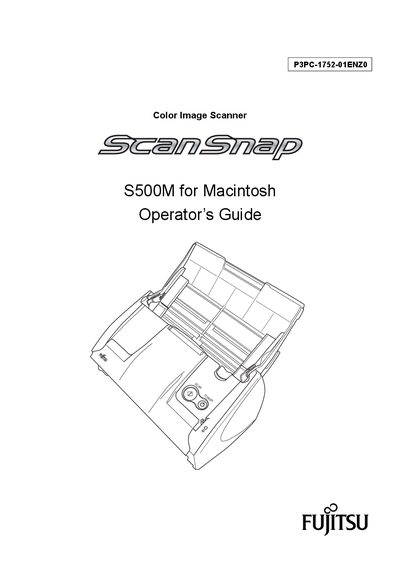
This Operator's Guide introduces the ScanSnap S500M, a compact desktop scanner designed for Macintosh computers. It explains the scanner’s features, safety precautions, and regulatory information before you begin using the device.
The manual covers connecting the scanner, basic scanning operations, troubleshooting, daily care, cleaning, consumable replacement, and installation specifications. It also includes FCC and Canadian compliance notes and a list of trademarks.
| Scanning speed (color, normal mode) | about 18 sheets/minute |
|---|---|
| Footprint | smaller than a sheet of A4 |
| Maximum AC cable length | 3 meters (10 feet) or less |
| TWAIN/ISIS support | Not supported |
In normal color mode it scans at about 18 sheets per minute, and in black‑and‑white mode the speed is about 12 sheets per minute.
No, the scanner does not support the TWAIN and ISIS standards.
The AC cable must be 3 meters (10 feet) or less in length.
Reorient or relocate the receiving antenna, increase the separation between the equipment and receiver, or connect the scanner to a different circuit.