
Fujitsu fi-5015C Image Scanner User Manual

This is an instruction manual that introduces the basic operation methods of the fi-5015c color scanner
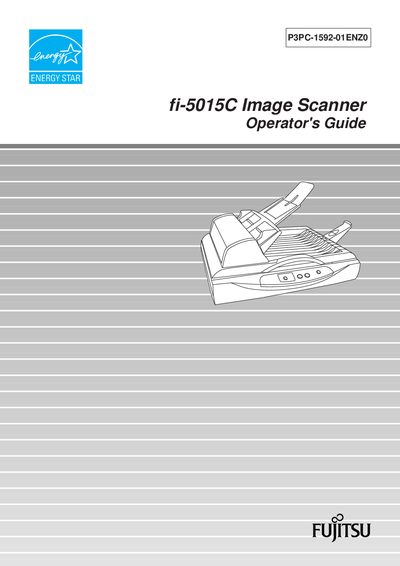

Fujitsu fi-5015C Image Scanner User Manual - cover page
Brand
Fujitsu
Category
Scanner
Document type
User Manual
Language
English
Pages
88
File format
PDF
File size
2.1 MB
Published
31 March, 2012
Updated
30 September, 2023
MD5 checksum
463C288F4B54313D93DBCF50DD6B4CE0

About this manual

This manual explains how to install and operate the Fujitsu fi-5015C color image scanner. It covers basic functions such as turning the scanner on and off, loading documents into the automatic document feeder (ADF) or flatbed, and using the scanner driver software for Windows operating systems.

Additional sections describe routine maintenance, how to clear paper jams, safety precautions, regulatory information, and troubleshooting common error indications. Appendices provide detailed scanner specifications, button functions, and a glossary of terms.

What's inside

  • Name of Parts
  • Basic Scanner Operation
  • Turning ON/OFF the Scanner
  • Loading Documents on ADF
  • Loading Documents on Flatbed
  • Scanning Documents
  • Using the Scanner Driver
  • Maintenance
  • Troubleshooting
  • Appendix A – Scanner Specifications

Frequently asked questions

How do I turn the fi-5015C scanner on and off?

Use the power button as described in Chapter 2.1 “Turning ON/OFF the Scanner”.

What safety precautions should I follow when using the scanner?

Read the Safety Precautions section in Chapter 1 before operating the device.

Download PDF (2.1 MB)

More Fujitsu Manuals


View all Fujitsu manuals →