
This user manual introduces the features and characteristics of the fi-6000NS network scanner, including scanner overview, basic operations, administrator operations, and a quick start guide.
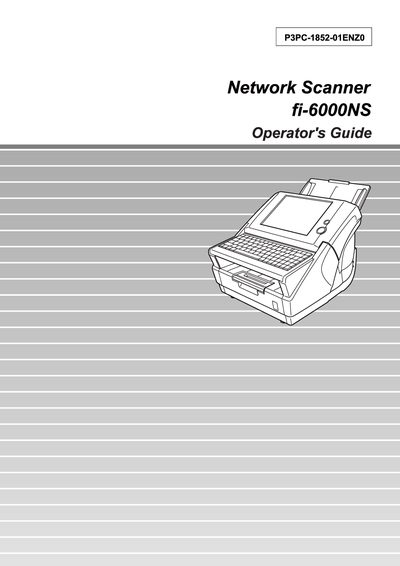
This guide covers the basic operation of the Fujitsu fi-6000NS network scanner, including how to use the scanner buttons, touch panel, and keyboard, as well as sending scanned data by e‑mail, fax, or network folder. It also details administrator functions such as login, system settings, and user management.
Additional sections describe network configuration, scanner care, troubleshooting, and specifications. Appendices provide paper handling details, maximum document capacity, and message reference tables for both administrators and regular users.
| Maximum Document Loading Capacity | 260 sheets |
|---|
Select the "Changing the Admin Password" option in the administrator control screen (section 3.5.6).
Run the "Performing a Scan Test" routine outlined in section 5.5.
Refer to the ADF Paper Specifications and Paper Size sections in Appendix A for supported sizes and weights.