
Fujitsu fi-60F Image Scanner Operator's Guide

This document is a user manual for the Canon fi-60F scanner. It describes the basic operation methods, daily maintenance and troubleshooting for the scanner.
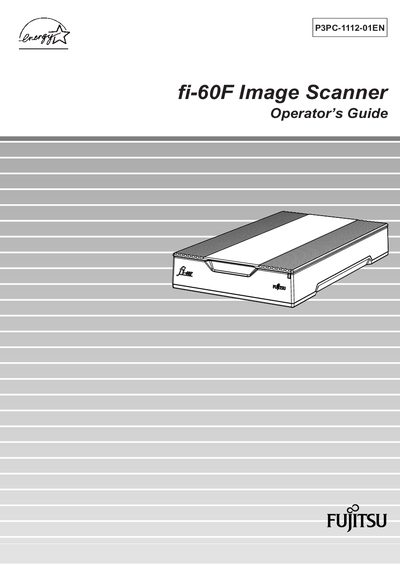

Fujitsu fi-60F Image Scanner Operator's Guide - cover page
Brand
Fujitsu
Category
Scanner
Document type
User Manual
Language
English
Pages
56
File format
PDF
File size
1.6 MB
Published
31 March, 2012
Updated
30 September, 2023
MD5 checksum
8BF2F5FD6B63C9C7DD26C562D36EB39D

About this manual

This Operator's Guide explains how to install, operate, and maintain the Fujitsu fi-60F image scanner. It includes safety precautions, basic scanning procedures, daily care, and troubleshooting steps.

The manual also contains regulatory information, detailed scanner specifications, installation requirements, and warranty/liability notices to help users achieve reliable performance.

What's inside

  • Introduction
  • Safety Precautions
  • Basic Scanner Operation
  • Daily Care
  • Troubleshooting
  • Scanner Specification
  • Regulatory Information
  • Warranty and Liability

Frequently asked questions

How should the scanner be turned on?

Refer to section 1.1 "Turning the Scanner ON" for the power‑on procedure.

What is the recommended maximum length for the AC power cable?

The AC cable must be 2 meters (6.6 feet) or less.

What FCC compliance does the scanner meet?

The equipment complies with the limits for a Class B digital device pursuant to Part 15 of the FCC Rules.

Download PDF (1.6 MB)

More Fujitsu Manuals


View all Fujitsu manuals →