
This operator's guide introduces the basic operation and troubleshooting of the M4099D image scanner.
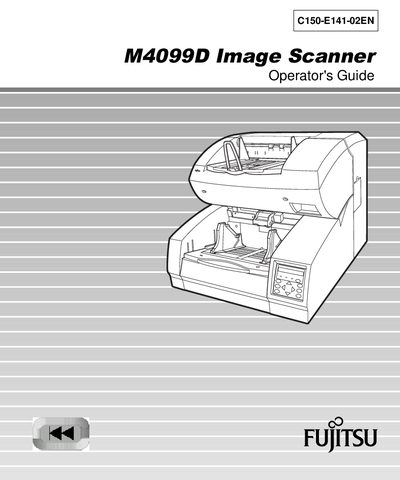
This Operator's Guide explains how to install, configure, and use the Fujitsu M4099D image scanner. It includes safety notices, component descriptions, and troubleshooting information for the duplex, high‑speed scanner.
The manual is organized into sections covering components, installation and connections, operating instructions, document specifications, technical specifications, and setup, browse, and test modes, plus a glossary and index.
| Product Type | IMAGE SCANNER |
|---|---|
| Model Number | M4099D |
The scanner complies with FCC Class A digital device limits and meets European EMC and Low Voltage directives.
Comments can be sent to Fujitsu’s North American contact address listed in the manual.