
This is a user's guide for Brother Color Laser Printer HL-4200CN, which introduces the use method, safety use precautions and other contents of the product
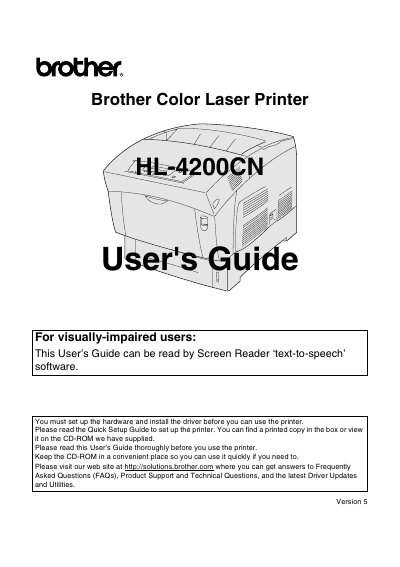
This guide walks you through installing the Brother HL-4200CN color laser printer, configuring drivers for Windows and Macintosh, and connecting the printer to a network. It also explains safety precautions, paper handling, and control‑panel functions.
Later sections cover troubleshooting common errors, replacing consumable items such as toner, print‑head, and fuser cartridges, and performing routine maintenance. Contact information for technical support and warranty registration is included at the end of the manual.
| Toner Cartridge Model | TN-12BK/Y/M/C |
|---|---|
| Print Head Cartridge Model | PH-12CL |
| Fuser Unit Model | FP-12CL |
Open the toner cartridge compartment, remove the used cartridge, and install a new TN-12BK, TN-12Y, TN-12M, or TN-12C toner cartridge.