
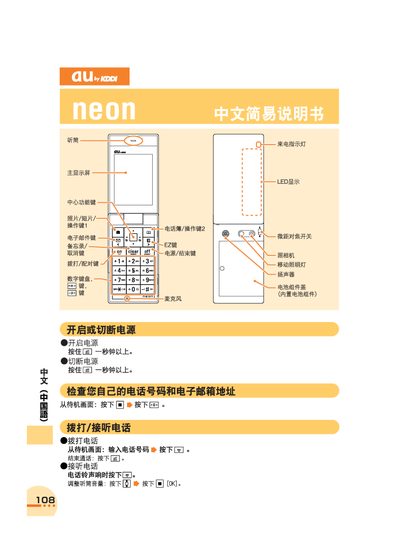
This manual explains how to power the phone on and off, make and receive calls, adjust the volume, and use the speaker and LED display. It also describes how to check your own phone number and email address from the standby screen.
Additional sections cover managing the address book, using the built‑in camera for photos and videos, setting up English voicemail prompts, making international calls, and toggling mute or voice‑memo modes. This manual is written in Chinese.
Press and hold the power key for more than one second.
From the standby screen, press the appropriate keys to enter the international number and then press the call key.