
This document is the Basic Manual and Instruction Manual for the A1406PT cell phone, providing information on its features and usage instructions.
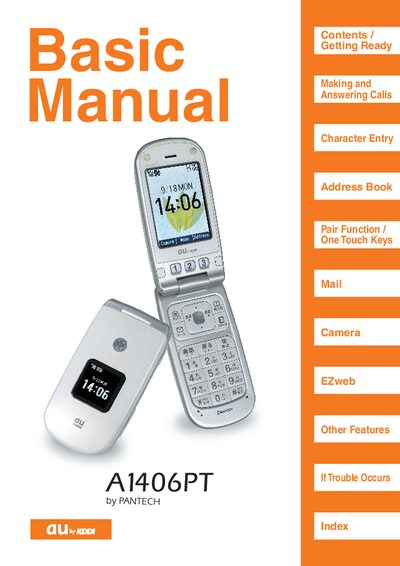
This manual covers the basic operation of the au A1406PT cell phone, including getting ready, making and answering calls, using one‑touch keys, managing contacts, and accessing the camera. It also explains special functions such as Smart Mode, Manner Mode, Drive Mode, and Pair Function, with guidance on how to enable or disable each feature.
Safety and etiquette advice are included, describing proper phone use in public places, while driving, and around medical equipment. Troubleshooting tips and contact information for au customer support are provided at the end of the document.
Press the appropriate menu option to switch to normal mode; when Smart Mode is off, the phone operates in normal mode.
Press a one‑touch key, confirm the displayed telephone number, then press the call button to dial.
Manner Mode silences ring tones and other sounds so the phone does not disturb people nearby.
In Drive Mode the ring tone does not sound and incoming calls are answered with a pre‑recorded message indicating the user is driving.