
W62T is a device that can measure the air quality. It can measure PM2.5, PM10, temperature, humidity, etc.
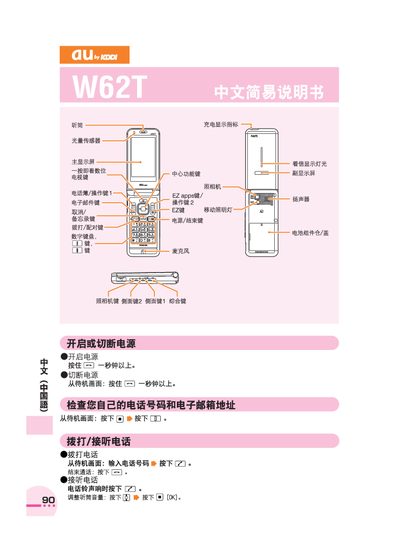
This manual provides step‑by‑step instructions for using the au by KDDI W62T phone. It explains the layout of keys, how to power the device on and off, and how to navigate the main functions such as the address book, email, and voice memo.
The guide also covers making and receiving calls, using the camera for photos and videos, setting silent mode, and placing international calls. Contact information for au customer service is included for further assistance. This manual is written in Chinese.
Press the end‑call button labeled [一] to hang up.
From the standby screen, press and hold the camera key for more than a second, then press the capture button to take a photo and press save to store it.
From the standby screen, press and hold the silent‑mode key for more than a second.