
Laserfax 5120 Laserfax 5125 Laserfax 5135 is a laser multifunction printer under the Philips brand, which supports printing, copying, scanning and faxing.
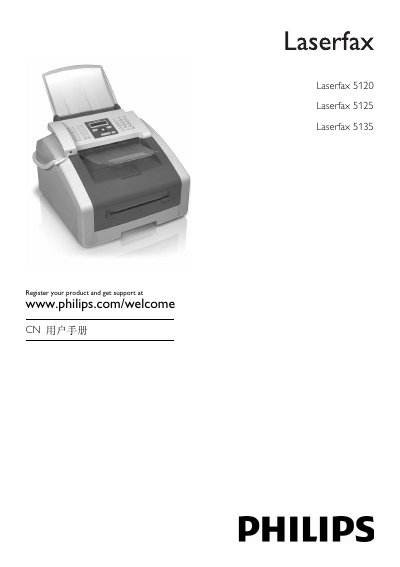
This manual covers general safety information, device overview, and initial installation for the Laserfax series. It explains how to set up power, connect telephone lines, and attach the unit to a computer via USB or TWAIN driver.
The guide then details everyday functions such as printing, copying, faxing, phone book management, and various settings (eco mode, paper source, resolution, fax receive mode). Maintenance procedures, troubleshooting, and technical specifications are provided in the final sections. This manual is written in Chinese.
| Power Supply | 220‑240 V~ 50‑60 Hz, 4.5 A |
|---|---|
| Laser Classification | Class 1 laser product |
| Paper Tray Capacity | 250 sheets |
| Paper Width Range | 98 mm – 216 mm |
| Paper Length Range | 148 mm – 356 mm |
The paper tray can hold up to 250 sheets.
It requires a 220‑240 V~ 50‑60 Hz supply and draws 4.5 A.
You can connect it via USB (Laserfax 5135) or use a TWAIN driver to access scanning functions.
Press the ECO button on the control panel to enable toner‑saving copy mode.