
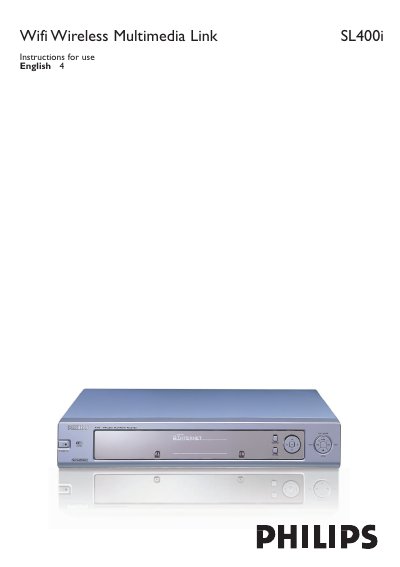
This manual guides you through installing the Philips Media Manager software, connecting the SL400i, and using its basic functions for streaming music, photos, and videos. It covers setup for both wireless and wired networks, internet streaming, and troubleshooting. The device requires broadband internet (minimum 256 kbps) and includes safety precautions for proper use.
| Dimensions | 61 x 435 x 280 mm |
|---|---|
| Power supply | 110-240V, 50-60 Hz |
| Power consumption | Approx. 10 watts |
| Weight | Approx. 3.9 kg |
| Supported audio codecs | MP3, MP3pro, PCM |
| Supported video codecs | MPEG1, MPEG2, MPEG4, Divx, XviD |
| Supported image formats | JPEG, BMP, GIF |
| Wireless standard | 802.11 |
| Networking | Universal Plug & Play |
Minimum 256 kbps downstream bandwidth is required.
Insert the installation CD, double-click 'Setup.exe', and follow on-screen instructions.
Disconnect the mains, let it cool down, improve ventilation, then reconnect.