
This document provides instructions for using the SL300i WiFi Wireless Multimedia Link device, including front and rear views of the device and helpline numbers for different countries. The SL300i allows wireless access to multimedia content stored on PCs and brings live streaming Internet entertainment to existing TV sets and audio systems.
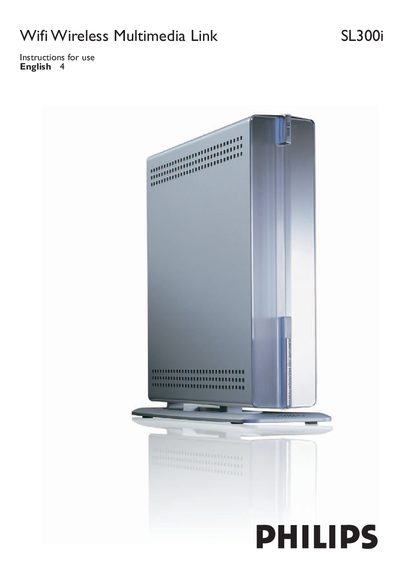
The Philips SL300i WiFi Wireless Multimedia Link gives wireless access to multimedia content stored on PCs and brings live streaming Internet entertainment to an existing TV set and/or audio system. The manual guides users through installing Philips Media Manager software, connecting the SL300i to a TV or audio system, and using basic functions.
Packaging contents include the SL300i unit, remote control with batteries, user manual, SCART cable, stereo audio cable, Philips Media Manager installation CD, and power adapter. The document also covers connecting via wireless network, wired Ethernet, enabling broadband Internet entertainment, and basic navigation.
The box contains the SL300i, remote control (including batteries), User Manual, SCART cable (Audio/Video), Philips Media Manager Stereo audio cable, Installation CD, and power adapter.
Broadband Internet access with a minimum of 256 kbps is required to use the Internet functions of the SL300i.
Connect the SCART (EURO) cable between the SCART AV-output of the SL300i and your TV to view user menus and multimedia content on the television screen.