
This manual provides a detailed introduction to the use of BDL4230ET LCD display, including installation, use and maintenance
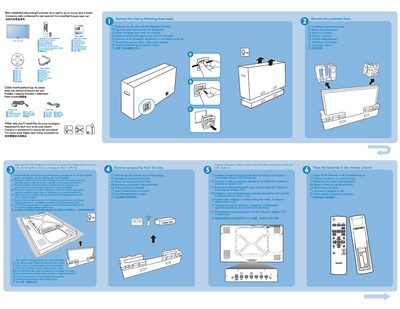
The guide lists the items supplied in the box, such as the cable box and other accessories, and provides the hardware needed for wall mounting, including six 10 mm screws (not included). It also describes the rear connectors and how to connect the device to a PC.
Additional sections explain how to attach the touch module, describe the LCD display, and give brief instructions for getting the product up and running quickly.
The box contains a cable box and other accessories listed in the box contents section.
Six 10 mm screws are needed for wall mounting; they are not included with the product.
Use the PCJ connector to link the device to a computer as described in the "Connect to PC" section.
The touch module is connected by following the instructions in the "Connect the touch module" section.