
This manual describes the safety and troubleshooting information for BDL6531E display, including precautions for connecting and using, power usage, and maintenance methods.
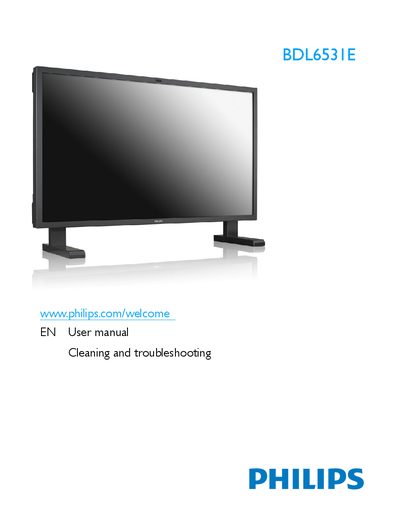
This manual covers safety precautions, proper handling, and maintenance of the Philips BDL6531E LCD display. It includes wiring instructions for the power plug, environmental operating limits, and guidance on cleaning and troubleshooting.
Technical data such as dimensions, weight, operating temperature, humidity, pressure ranges, and speaker specifications are listed, along with regulatory compliance information for CE, FCC, and other regional standards.
| Dimensions (with stand) | 1523.6 x 1025.7 x 421.7 mm |
|---|---|
| Dimensions (without stand) | 1523.6 x 891.6 x 124.8 mm |
| Weight (with stand) | 56.7 Kg |
| Weight (without stand) | 54 Kg |
| Operating temperature | 0 ~ 40 °C |
| Operating humidity | 20 ~ 80 % RH |
| Operating pressure | 800 ~ 1100 hPa |
| Speaker input power | 12 W (RMS) |
| Speaker impedance | 80 Ω |
| Speaker output SPL | 82 dB/WiM |
| Speaker frequency response | 160 Hz ~ 13 kHz |
The display is designed to operate between 0 °C and 40 °C.
Turn the power off, disconnect the cord, and wipe the display with a dry cloth as soon as possible.