
This document introduces the safety instructions and troubleshooting methods for BDL4230ET
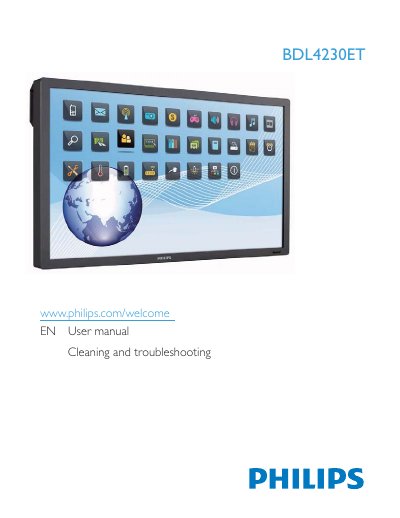
This manual covers safety precautions, proper handling, cleaning, and maintenance of the Philips BDL4230ET LCD display. It explains how to unpack, install, mount, and connect the unit, as well as how to use the touch screen and remote control.
The document also lists detailed technical specifications, including screen size, resolution, brightness, audio outputs, power requirements, and environmental limits. Troubleshooting steps for common issues such as no picture, audio problems, and pixel defects are provided, along with recycling and disposal information.
| Screen Size (Active Area) | 42" (107 cm) |
|---|---|
| Resolution | 1920 x 1080 |
| Brightness | 500 cd/m² |
| Contrast Ratio (Typical) | 1500:1 |
| Viewing Angle | 178° |
| Speaker Output | 12W (L) + 12W (R) |
| Power Consumption (Max) | 230W |
| Power Supply | AC 100‑240 V, 50/60 Hz |
Unplug the display, then wipe the screen with a slightly damp cloth; never use organic solvents such as alcohol or ammonia.
Make sure the power cord is plugged in, the power switch is on, the input cable is connected, and the display is not in standby mode.
The display comes with an approved moulded 13 A plug; if a fuse is required, use a BS 1362 5 A fuse.