
This is a user manual for BDL5585XL display
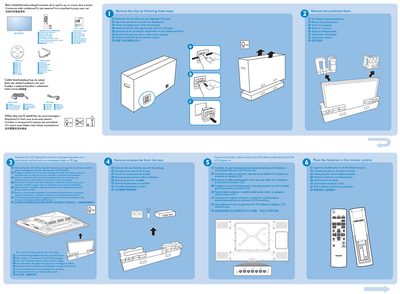
The guide lists the box contents—including remote control, batteries, power cords, VGA cable, and cable box—and provides a brief safety note about wall‑mounting screws. It also shows the rear connector layout and basic HDMI/Audio connections.
Step‑by‑step instructions cover removing the LCD from its packaging, placing it face‑down, inserting batteries into the remote, connecting power and A/V cables, and mounting the display on a wall using six metric 6 mm screws (not supplied). The guide ends with a note on connecting the display to a PC and registering the product on Philips' website.
| Input voltage | 100‑240 V 50‑60 Hz |
|---|