
This manual describes the features and use of the SLM5500 Wireless Multimedia Adapter.
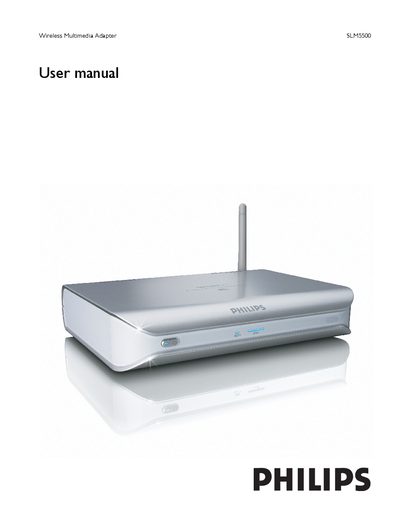
The Philips SLM5500 Wireless Multimedia Adapter lets you stream movies, music, and photos from a PC to your TV. The manual describes what’s included (adapter, remote, batteries, cables, installation CD) and walks you through installation steps such as connecting power, TV, audio, and network, and running the configuration wizard.
It also covers safety precautions, broadband requirements, wireless network setup, supported media formats, troubleshooting tips, and technical specifications. The document ends with a glossary of networking terms and legal notices.
| Supported video formats | MPEG1, MPEG2, MPEG4, WMV, WMV-DRM, DivX, Xvid |
|---|---|
| Supported audio formats | WMA, WMA-DRM, MP3, AAC-MPEG4 |
| Power source | 2 x AA batteries |
| Wireless connectivity | 2.4 GHz link to PC |
The box contains the SLM5500 remote control, the wireless multimedia adapter, two AA batteries, an installation CD, a SCART cable and a power cable.
Run the network wizard from the Settings menu and follow the on‑screen instructions; a broadband connection of at least 256 kbps is required.
It supports MPEG‑1, MPEG‑2, MPEG‑4, WMV, WMV‑DRM, DivX and Xvid video files.
Use only the supplied power cable, do not use the product outdoors, keep it away from moisture, heat, sand, and ensure adequate ventilation.