
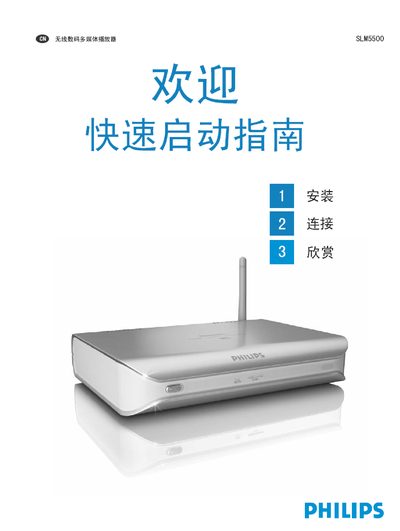
This guide provides step‑by‑step instructions for getting the Philips SLM5500 ready for use. It explains how to install the Philips Media Manager software on a PC, connect the device to a TV via SCART or Y‑Pb‑Pr cables, attach the power adapter, and set up wired or wireless network connections.
The document also includes preferences for TV display modes, troubleshooting tips for common issues such as missing video or audio signals, and information on language support (English only) and how to register the product for future firmware updates. This manual is written in Chinese.
| Power supply | External adapter |
|---|---|
| Network connection | Wired Ethernet or Wi‑Fi |
| Supported TV output | SCART or Y‑Pb‑Pr |
| Software language | English only |
Make sure the TV output switch on the SLM5500 is set to the correct position and that the TV supports the SLM5500 video signal.
Ensure your wireless router is turned on, the SSID is set, and then enter the network password when prompted on the device.
The software only offers English; there is no Chinese language option.