
This document is a quick start guide for the Philips GoGear audio player. It provides an overview of the controls and connections, instructions on how to connect and charge the player, install software, turn it on, navigate and play music, transfer and organize files, listen to audiobooks, and update the player. The document also encourages users to register their product for free upgrades and provides information on disposing of the old product and battery. Additional support materials such as the user manual, software upgrades, and FAQs can be accessed at www.philips.com/welcome.
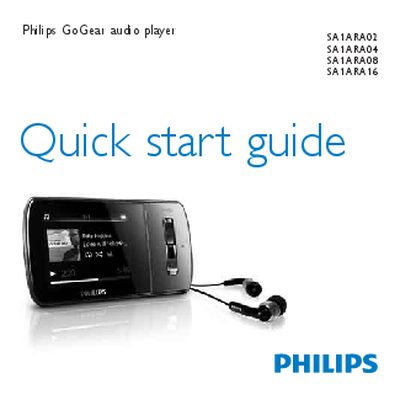
The Philips GoGear Aria Quick Start Guide walks you through registering the device, checking the items included in the box, and familiarising yourself with the controls and connections. It also explains how to connect the player to a computer, charge it for the first use, and install the required software.
Further sections cover basic operation such as turning the player on, navigating menus, transferring and organising files, listening to audiobooks, updating firmware, and proper disposal of the device and its built‑in battery.
| Minimum PC OS | Windows XP (SP2 or above) / Vista |
|---|---|
| Minimum CPU | Pentium III 800 MHz or higher |
| Minimum RAM | 512 MB |
| Minimum hard‑disk space | 500 MB |
Visit www.philips.com/welcome and register the product so you receive notifications of free upgrades.
Allow the GoGear Aria to charge for about 3 hours before first use.
Take the product to an official collection point or service centre for proper recycling according to the European Directive 2006/66/EC.