
This document is a quick start guide for the Philips GoGear audio video player. It provides instructions on how to install, connect, charge, transfer, and enjoy the player. It also mentions the availability of a user manual, software upgrades, and frequently asked questions for further support.
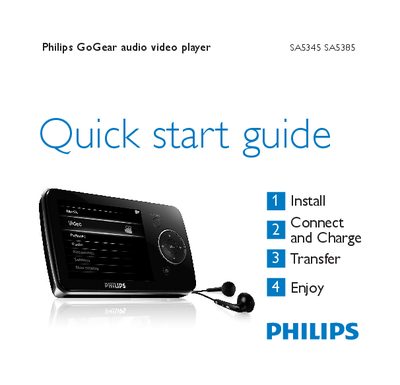
This guide introduces the Philips GoGear SA5345/SA5385 audio video player, showing what is included in the box and describing the layout of controls and connections. It explains how to install the Philips Device Manager, connect the player to a PC via the mini‑USB port, and charge the battery before first use.
The manual then walks through basic operations such as turning the player on, navigating menus, playing music, video and radio, recording audio, and transferring files using drag‑and‑drop in Windows Explorer. It also provides troubleshooting steps, including how to reset the device and obtain further help online.
| Initial charge time | At least 5 hours |
|---|---|
| Full charge time | 4 hours |
| Battery level indicators | Full, Two‑thirds full, Half full, Low, Empty |
| USB connector | Mini‑USB port |
Insert a small pin into the reset hole at the bottom of the player and hold until the player shuts down; alternatively, use the Philips Device Manager recovery mode.
Charge the player for at least five hours before first use; a full charge is reached after about four hours.
Connect the player to a PC via the USB cable; it appears as a USB mass‑storage device in Windows Explorer, allowing drag‑and‑drop of music, video, picture and text files.