
This document provides instructions for using the SA3RGA series products from Philips, including playing music, listening to radio, recording, etc.
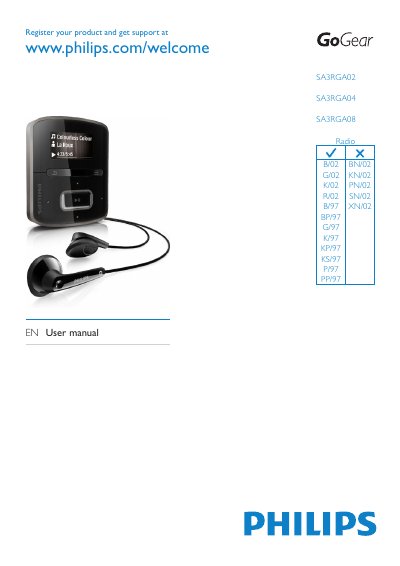
This manual covers the Philips SA3RGA02, SA3RGA04 and SA3RGA08 GoGear portable radios. It explains how to register the product, unpack the box, charge the built‑in battery, and start using the player.
Key sections include getting started, charging, FM radio and recording, syncing media with a PC via Philips Songbird, managing playlists, adjusting settings and display options, updating firmware, and troubleshooting such as resetting the device. Technical specifications for power, storage, audio performance and connectivity are listed at the end of the document.
| Battery capacity | 220 mAh Li‑ion polymer internal rechargeable battery |
|---|---|
| Audio playback time | up to 22 hours |
| Built‑in storage | 2 GB (SA3RGA02), 4 GB (SA3RGA04), 8 GB (SA3RGA08) NAND flash |
| Output power | 2 × 2.4 mW |
| Frequency response | 20 – 18 000 Hz |
| Connectivity | 3.5 mm headphone jack, USB 2.0 High‑speed |
The built‑in battery provides up to 22 hours of audio playback (MP3) on a full charge.
Insert a pen tip into the reset hole at the base of the player and hold until the device shuts down, then release.