
This is a quick start guide to Philips GoGear audio player, introducing how to use the product
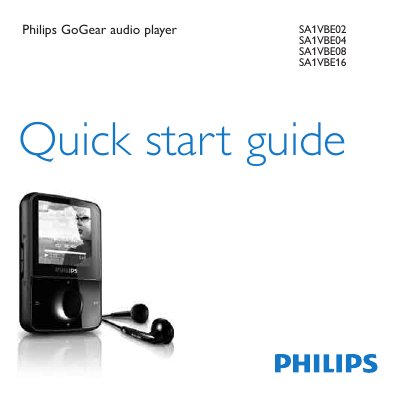
This guide walks you through registering your GoGear Vibe, checking the contents of the box, and learning the layout of the controls and connections. It also explains how to connect the device to a computer, charge it for the first time, and install the required software.
Further sections cover turning the player on, navigating menus, transferring music and audiobooks, updating firmware, and proper disposal of the device and its built‑in rechargeable battery according to European environmental directives.
| Minimum operating system | Windows XP (SP2 or above) or Vista |
|---|---|
| Processor requirement | Pentium III 800 MHz processor or higher |
| RAM requirement | 512 MB |
| Hard‑disk space | 500 MB |
| USB port | Required for connection and charging |
Visit www.philips.com/welcome and register your product there.
Allow the device to charge for about 3 hours; the charging animation stops when the charge is complete.
Do not discard it with household waste; bring the device to an official collection point or service centre for battery removal and recycling.