
This manual is a user manual for au CDMA mobile phones. It mainly introduces the functions of turning on and off the phone, dialing, answering calls, receiving and sending emails, setting the date and time, taking pictures, etc.
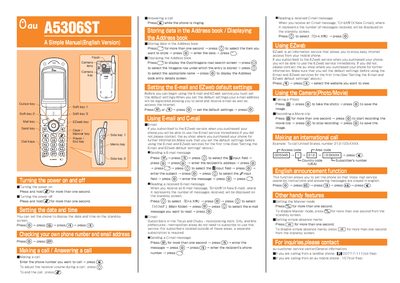
This manual covers the basic operation of the au A5306ST mobile phone, including power control, date and time settings, address book management, and communication features such as voice calls, email, and EZweb internet access.
Key sections describe how to turn the device on and off, make and answer calls, send and read email and C‑mail, use the camera for photos and video, place international calls, enable English voice prompts, and configure handy functions like Manner mode and absence memos.
Press and hold the power key for more than one second.
Enter the phone number you want to call and press the call key.
Press the camera key, then press @ to take the photo and press © to save the image.
Enable the English announcement function by pressing the appropriate keys as described.