
This manual introduces the usage of Philips MCM149 Micro Hi-Fi System. This manual includes the following contents: General Information, Environmental Information, Safety Information, Hearing Safety, Preparations, Rear Connections, Remote Control Battery Installation, Remote Control Operation, Controls on the System and Remote Control, Basic Functions, CD/MP3 Operation, Radio Reception.
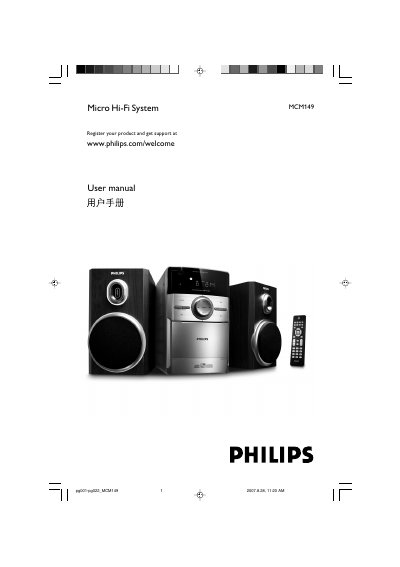
This manual covers everything you need to set up and use the Philips MCM149 Micro Hi‑Fi System, including safety precautions, wiring, remote‑control operation, and basic audio functions. It also details how to install batteries, connect speakers, and adjust the voltage selector for local power.
Additional sections explain CD/MP3 playback, radio tuning, tape recording, clock/timer settings, and provide a full specifications table and troubleshooting guide to help resolve common issues.
| Amplifier output power | 2 x 2W RMS |
|---|---|
| Signal‑to‑noise ratio (amplifier) | ≥ 60 dBA (IEC) |
| Frequency response (amplifier) | 125 – 16000 Hz |
| Speaker impedance | 8 Ω |
| CD player signal‑to‑noise ratio | 65 dBA |
| FM tuner range | 87.5 – 108 MHz |
| Power consumption (active) | 15 W |
| Power consumption (standby) | < 4 W |
| Dimensions (with speakers) | 134 × 230 × 152 mm |
| Weight (with speakers) | ≈ 3.65 kg |
Adjust the voltage selector at the rear of the system to match your local voltage (110‑127 V or 220‑240 V) before switching the unit on.
Open the battery compartment, insert two R03 or AAA batteries with the correct polarity (+/‑), and close the cover.
Adjust or replace the antenna, connect an external antenna if needed, and move the system away from other electronic devices.