
The MCM 277 Quick Start Guide provides information on the items included in the box, installation steps, and clock setting. Users can learn about the appearance, installation process, and clock setting of the product.
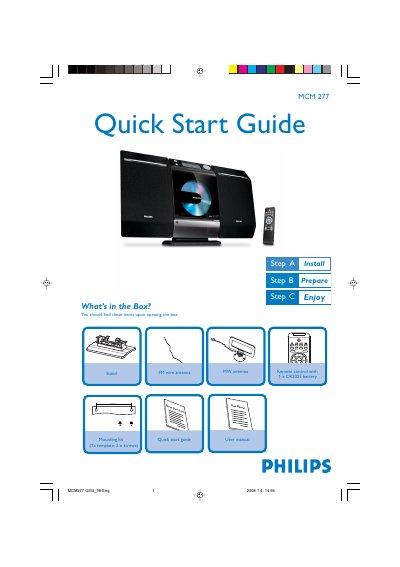
The guide begins with a list of items included in the box, such as the MCM277 unit, a remote control with a CR2025 battery, a 140 mm stand, mounting kit, and antennas. It then walks you through mounting the stand, connecting the left and right speaker cables, attaching the FM or MW antenna, and plugging in the AC power cord.
After installation, the guide explains how to set the clock, play CDs, use the USB port for flash drives or memory cards, and tune to radio stations. It also covers basic remote‑control functions like selecting the source, starting and stopping playback, and switching the unit to standby.
In standby mode, press and hold DISPLAY/CLOCK on the remote, then use VOL +/- to select 12‑hour or 24‑hour format and set hours and minutes.
Connect the left speaker cable to the LEFT terminals (red and black) and the right speaker cable to the RIGHT terminals (red and black).
Press SOURCE to select CD, open the CD compartment, insert the disc with the printed side up, close the compartment, then press PLAY.
Insert the USB plug into the socket on the fold‑out control panel, then select USB as the source to play the audio files.