
This is a multi-function speaker that supports CD playback and radio reception. It can be connected to FM and MW antennas and supports 110V-127V and 220V-240V voltages.
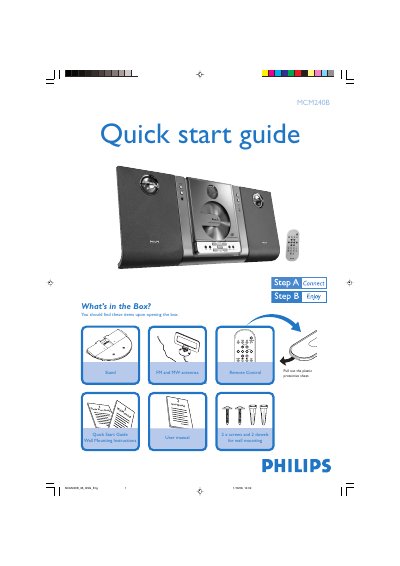
This guide helps users quickly set up the MCM240B audio system. It includes instructions for wall mounting, connecting speakers and antennas, and loading CDs. The guide also explains how to play CDs using the front panel or remote control.
The system requires connecting the MW loop antenna and FM antenna for radio reception, speaker wires to the SPEAKERS terminals, and the AC power cord to a wall outlet before use.
Connect the speaker wires to the SPEAKERS terminals, right speaker to " RIGHT " and left speaker to " LEFT ", colored (marked) wire to " +" and black (unmarked) wire to " –".
Press OPEN•CLOSE 0 to open the CD compartment. Insert a CD with the printed side facing up. Press OPEN•CLOSE 0 again to close the compartment.