
This is a quick start guide for a DVD player
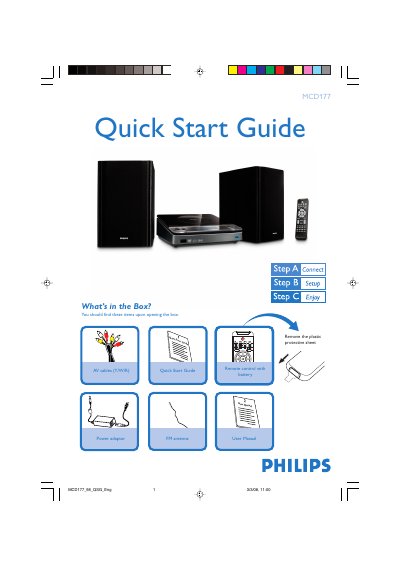
This Quick Start Guide walks you through the items included in the Philips MCD177 DVD player package and shows how to connect the unit to a TV, speakers, FM antenna and power source. It explains the use of the remote control, source selection, audio and video cabling, and basic TV setup steps.
The guide also covers setting the clock, configuring audio options, using the FM radio tuner, programming stations, and playing discs or USB mass‑storage devices. Tips for progressive scan, night mode, and subtitle settings are included, with references to the full User Manual for detailed features.
| Supported USB versions | USB 2.0 or USB 1.1 |
|---|---|
| Audio output connection | LINE OUT (L/R) with white/red RCA cables |
| Video output connection | Composite video (yellow) cable |
| FM antenna | Included |