
This document is a user manual for Acer M310 smartphone, describing its features and characteristics.
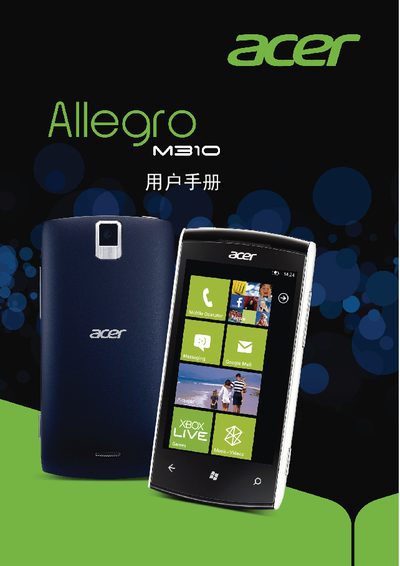
This manual covers the basic setup of the Acer M310 smartphone, including inserting the SIM card, charging the battery, and powering the device. It also explains how to navigate the user interface and access built‑in applications.
The guide details the phone's connectivity options such as 3G HSDPA (up to 7.2 Mbps), HSUPA (up to 2 Mbps), Wi‑Fi and USB, and provides specifications for the display (480 × 800 pixels). Safety information, regulatory notices and a troubleshooting section are also included.
| Display resolution | 480 × 800 pixels |
|---|---|
| 3G HSDPA speed | 7.2 Mbps |
| HSUPA speed | 2 Mbps |
The phone supports HSDPA up to 7.2 Mbps and HSUPA up to 2 Mbps.