
This is a PET1030 portable DVD player user manual, which introduces the product's control elements, functional components, playback formats, charging methods, startup methods, etc.
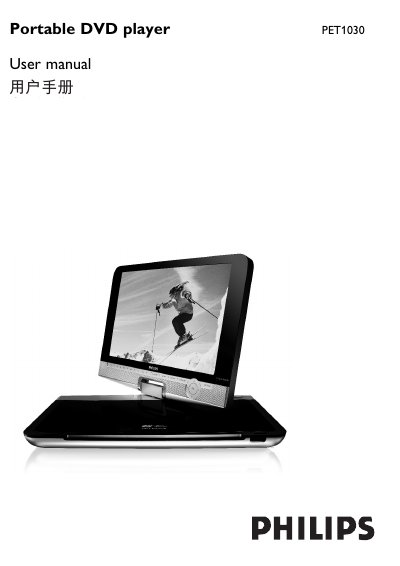
The PET1030 portable DVD player offers a range of playback options, including DVD‑Video, Video CD, Audio CD/MP3/WMA, JPEG CD and DivX video discs. The manual details the control elements, remote functions, disc door operation, and supported connections such as USB, SD/MMC, AV and headphone jack.
Charging is performed with the supplied AC/DC adaptor; the red LED shows charging progress and a full charge takes about four hours. The guide also covers safety precautions, battery handling, power sources (AC adaptor, car adapter, rechargeable battery pack), and additional features like the Zero Bright Dot LCD technology and USB mass‑storage playback.
| Power supply input voltage | 9V |
|---|---|
| Charging time (standby) | ≈4 hours |
| Battery type | Rechargeable battery pack |
| USB support | USB Mass‑storage devices (flash drives, memory sticks) |
Plug in the supplied AC/DC adaptor; the red LED lights while charging and turns off when fully charged, which takes about four hours.
The remote uses a CR2025 3 V lithium battery; open the battery compartment, insert the battery, and close the compartment.