
This document is a quick start guide for the Philips Portable DVD Player PET831. It provides instructions on how to use and charge the DVD player, as well as how to troubleshoot potential issues.
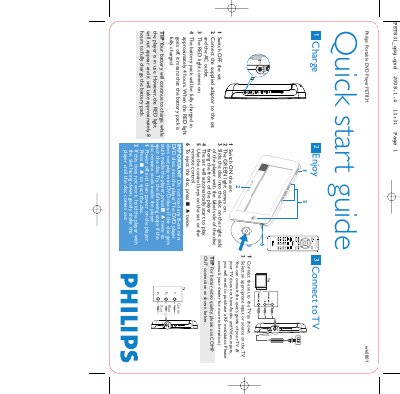
This guide provides the essential steps to get the Philips PET831 portable DVD player up and running. It explains how to charge the battery, power the unit on, insert a DVD and start playback.
It also shows how to connect the player to a television, what disc types are supported, and how to troubleshoot a stuck disc. Follow the illustrated procedures for safe and reliable operation.
| Battery full charge time | approximately 4 hours |
|---|---|
| Battery charge time while in use | approximately 8 hours |
| Disc compatibility | Standard DVDs only (no 8‑cm mini DVDs) |
| Power indicator | RED light = charging, GREEN light = power on |
When the RED light goes off, the battery pack is fully charged.