
This is a user manual for Philips WK7101.
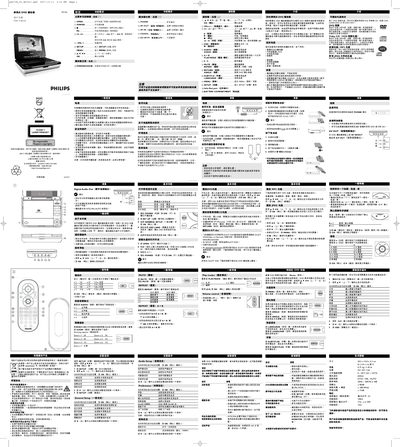
This manual explains how to power on the WK7101, use the SETUP menu to configure general, audio, and display options, and navigate menus with the remote control. It covers basic functions such as loading discs, selecting playback modes, adjusting volume, and using features like zoom, subtitles, and camera angles.
Additional sections describe safety guidelines for hearing, proper disposal of the unit, troubleshooting common issues, and details on power supplies, including AC/DC and car adapters. The manual also includes specifications for dimensions, power requirements, and audio performance.
| Dimensions (W x H x D) | 20.3 x 15.0 x 4.1 cm |
|---|---|
| Weight | 0.71 kg |
| Power supply | DC 12 V, 1.5 A |
| Operating temperature range | 0 °C – 50 °C (32 °F – 122 °F) |
| Audio frequency response | 20 Hz – 20 kHz ± 1 dB |
| Video system compatibility | NTSC / PAL / AUTO |
Press the LANGUAGE button repeatedly until the desired language appears on the screen, then press OK to confirm.
Set the volume to a low level, increase it only until you hear clearly without distortion, and avoid listening at high volumes for long periods.
Check that the disc label side is up, clean the disc, and try another disc to see if the problem is with the disc itself.