
This is a user manual for the PET1031 Portable DVD player
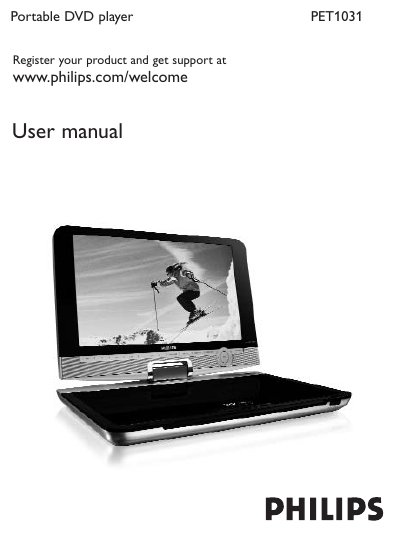
This manual guides you through the basic setup and everyday use of the Philips PET1031 Portable DVD player. It covers unpacking, placement, charging methods, power‑on procedures, and how to navigate the on‑screen menus with the remote control or built‑in buttons.
The guide also details supported media formats (DVD‑Video, VCD, Audio CD/MP3/WMA, JPEG CDs, DivX, SD Memory Card), connection options (USB Mass Storage, SD/MMC, headphone jack, TV output via AV, S‑Video, component video), and troubleshooting steps for common issues such as no power, distorted picture, or playback errors.
| Dimensions | 27 x 19 x 3.8 cm (10.6 x 7.5 x 1.5 inches) |
|---|---|
| Weight | 1.5 kg / 3.3 lb |
| Power supply | DC 9‑12V 2.2A |
| Power consumption | ≤20W |
| Operating temperature range | 0 °C – 50 °C (32 °F – 122 °F) |
| Laser wavelength | 650 nm |
| Video system | NTSC / PAL / AUTO |
Connect the AC power adaptor to the DC 9‑12 V socket or use the 12 V car adaptor; the manual’s “Charging the units” section explains both methods.