
This portable DVD player is designed with a built-in lithium battery to supply power to the player when you are on travel
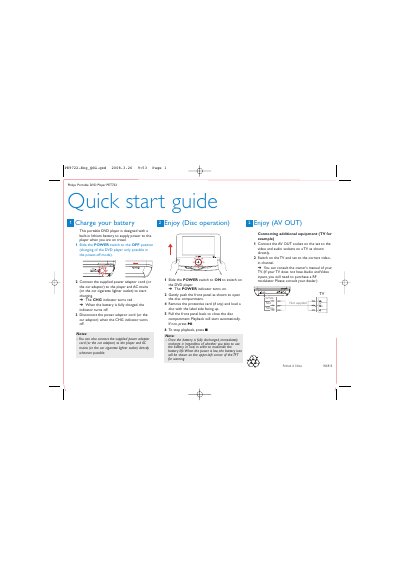
The Philips PET722 portable DVD player includes a built‑in lithium battery. To charge, slide the POWER switch to OFF, connect the supplied AC or car adaptor, and watch the CHG indicator turn red; it turns off when fully charged. Disconnect the adaptor once charging is complete.
For use, slide the POWER switch to ON, open the disc compartment, load a disc label‑side up, and close the compartment. Playback starts automatically, or press the play button. The device also offers AV OUT sockets for connecting to a TV, with video and audio signals transmitted to the TV’s corresponding inputs.
| Battery type | Built‑in lithium battery |
|---|---|
| Charging indicator | Red when charging, off when fully charged |