
This quick start guide introduces the basic operations of the Philips Portable DVD Player PET723, including charging, playing and stopping.
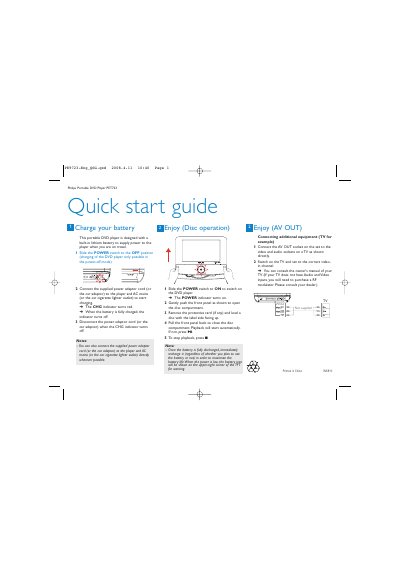
The Philips PET723 portable DVD player features a built‑in lithium battery that powers the device during travel. To charge, slide the POWER switch to OFF, connect the supplied AC or car adaptor, and watch the CHG indicator turn red until fully charged.
The guide explains how to turn the player on, open the disc compartment, load a disc, and start playback. It also shows how to stop playback, monitor battery level, and connect the AV OUT socket to a TV for audio‑video output.
| Battery type | Built‑in lithium battery |
|---|
After loading the disc, the player will start automatically; if it does not, press the 2 button to begin playback.