
Philips PD7010 User Manual

This is a user manual for Philips PD7010.
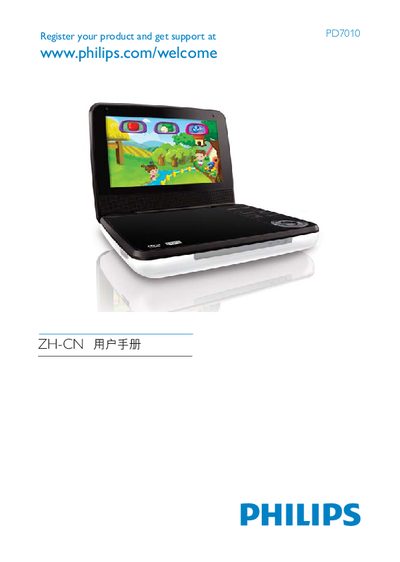

Philips PD7010 User Manual - cover page
Brand
Philips
Category
Player
Document type
User Manual
Language
English
Pages
20
File format
PDF
File size
500 KB
Published
27 March, 2012
Updated
30 September, 2023
Model
PD7010
MD5 checksum
E66628E810DC7FA746EB0FD9E3EDD9D5

About this manual

This manual explains how to register your Philips PD7010 product and obtain support via the Philips website (www.philips.com/welcome). It also outlines the supported disc formats and playback features.

The PD7010 can play a variety of media including DVD, VCD, Audio CD, MP3CD, DivX and JPEG files. It offers subtitle selection, audio/video output options, and volume control settings.

What's inside

  • Product Registration
  • Supported Disc Types
  • Playback Features
  • Subtitle Options
  • Audio/Video Output
  • Volume Control
  • Legal and Copyright

Frequently asked questions

How do I register my Philips PD7010?

Register your product at the Philips website: www.philips.com/welcome.

Can I enable subtitles on the PD7010?

Yes, the manual lists a SUBTITLE option in the playback menu.

Where can I adjust the volume on the PD7010?

The manual includes a VOLUME control setting.

Download PDF (500 KB)

More Philips Manuals


View all Philips manuals →